
LOGGING
Mark a set complete.
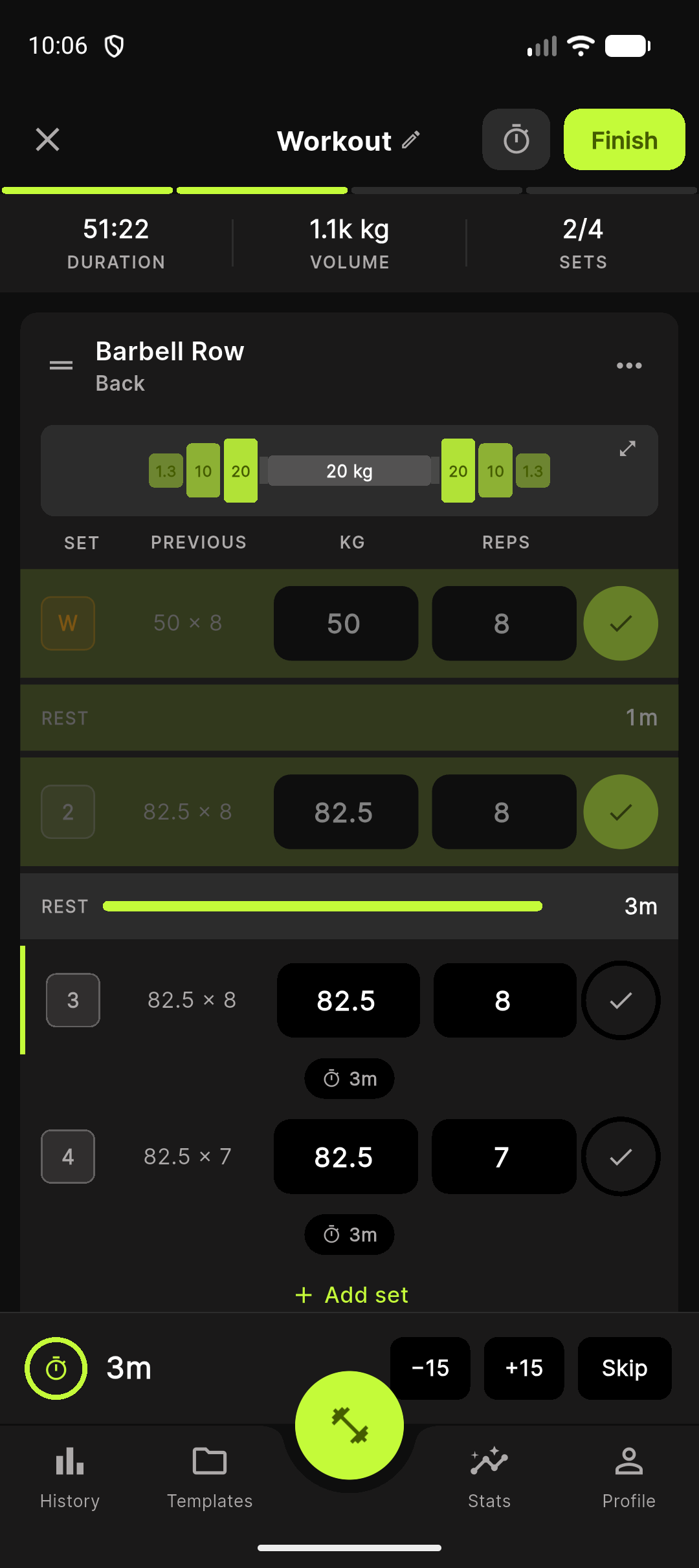
Tap the checkbox at the right edge of a set row. Hold-to-complete is an option in Settings if you tap accidentally.
Tap the checkbox at the right edge of a set row to mark it complete. The row dims and the rest timer starts automatically, using the duration configured for that set type.
Hold to complete is an option for users who tend to tap the checkbox accidentally between sets. When enabled, you press and hold the checkbox for around 500 ms. Haptics escalate from light to medium to heavy as the hold completes.
Toggle the option in Settings → Session → Hold to complete.
To uncomplete a set, swipe the row left and confirm in the undo snackbar.
Updated 2026-04-26